
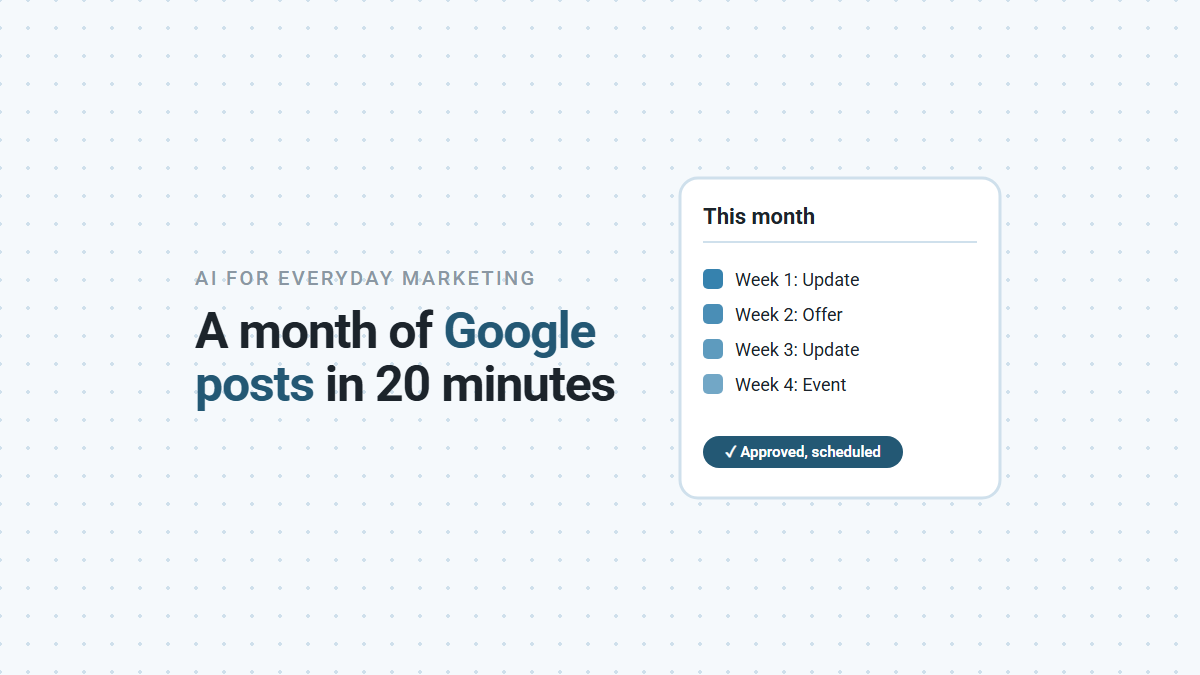

Yes, AI can write a month of Google Business Profile posts in a few minutes, and with checking, photos and scheduling, the whole job fits in about 20. The trick is to give it your real facts first. Without them, AI fills the gaps with offers and events you don’t have. Below is the prompt we use, what happened when we tested it on our own business, and the Google rules that get posts rejected.
Why Post on Your Google Business Profile at All?
Because it’s the part of your listing you control, and it’s free. Posts appear on your profile in Google Search and Maps, under “Updates” on mobile and “From the owner” on desktop. People who find you there are often deciding between you and a competitor, and a recent, useful post shows the business is active.
Google offers three kinds of post:
| Post type | Use it for | What Google requires |
|---|---|---|
| Update | News, tips, a recent job, a question customers ask | A description; a photo or video and a button are optional |
| Offer | A real discount or deal | A title and start and end dates. Google adds a “View offer” button; a coupon code and terms are optional |
| Event | A workshop, open house or seasonal service day | A title and start and end dates and times |
Posts older than six months are archived unless you set a date range, so a profile with no posts this year looks quiet.
What Happened When We Asked AI for a Month of Posts?
With a bare prompt, half the posts invented something to sell. We asked for “four Google Business Profile posts for my marketing automation business, one per week”. Here’s what came back:
- An offer we don’t have: “Get 20% off your first month when you sign up this November!”
- An event that doesn’t exist: “Join our free webinar: 5 Ways to Automate Your Marketing.”
- A phone number in the text, which Google may reject if it can’t verify it.
- A promise about results: more 5-star reviews “on autopilot”.
None of that is the AI being careless. It was asked for marketing posts with no facts, so it wrote what marketing posts usually say. Post that first draft and you’re advertising a discount you’ll have to honor or explain.
Then we ran the prompt below, with a short list of our real facts. All four posts came back as Updates about things we actually do, with no phone numbers, and one sentence flagged with [CHECK] because our facts didn’t cover it.
The Prompt We Use
Fill in the facts once, save it, and reuse it every month. We tested it in Claude. It’s plain text, so it works in any AI assistant.
Write 4 Google Business Profile posts for [BUSINESS NAME],
a [TYPE OF BUSINESS] in [TOWN], one for each week of [MONTH].
Facts you may use (use nothing else):
- Services: [LIST]
- What customers often ask: [2 OR 3 QUESTIONS]
- Something recent: [A JOB, A NEW SERVICE, A SEASONAL TIP]
- Current offer: [OFFER WITH START AND END DATES, OR "NONE"]
- Upcoming event: [EVENT WITH DATE AND TIME, OR "NONE"]
Rules:
1. If the offer or event is "NONE", write Updates only.
   Never invent an offer, discount, event or deadline.
2. 40 to 100 words each. Put the useful part in the first line.
3. No phone numbers, emails or social handles in the text.
   Suggest a button instead: Call, Book, Learn more or Order.
4. No promises about results, rankings or reviews.
5. Mark any claim that isn't in my facts with [CHECK].
6. For each post, suggest one photo I could take myself.
Give each post a type (Update, Offer or Event), the text,
the button and the photo idea.
Rule 1 matters most. It turns “write marketing posts” into “write about my business”.
What Do Good AI Posts Look Like?
Specific, short, and about something a customer cares about. Here’s one of the four from our test:
Update. Missed a call while you were on a job? With missed-call text-back, the caller gets a text from your business number right away, so they don’t call the next company on the list. We set it up as part of every Symphony Core system.
Button: Learn more. Photo idea: a phone on a workbench.
For a plumber, the same prompt might produce a post about why water heaters fail in the first cold week, a reminder about a fall service special (if you listed one), and an answer to “do you charge for estimates?” Every one comes from facts you gave it.
What Should You Check Before Scheduling?
Five things, about a minute per post.
- Every [CHECK] marker. Confirm it or cut it. In our test, one sentence said new-lead alerts come to your phone, which wasn’t in the facts we gave, so it was flagged.
- Claims with no source. One of our drafts opened “most happy customers will leave a review if you ask”. It sounds right, but we can’t prove it, so we’d soften it.
- Offers and events. Is the offer real, are the dates right, and can your team honor it?
- Contact details. None in the text. Use the post’s button instead.
- The photo. Your own photo of real work beats stock images. Leave customers’ faces and addresses out unless they’ve said yes.
Then schedule all four. Google lets you schedule posts or set them to repeat, so a month’s posts take one sitting. Each post shows as Live, Pending or Not approved; if one isn’t approved, it broke a content rule. Contact details in the text are one cause Google names.
How Does This Fit With Everything Else on Your Profile?
Posts are one part of a profile that’s kept current. The same profile carries your reviews, hours, photos and services, and Google says a Business Profile can help your services appear in its AI answers as well as ordinary results (more on AI Overviews for local businesses). If reviews are the part you’ve been putting off, our guide to replying to Google reviews with AI uses the same approach: AI drafts, a person checks.
The Part Nobody Tells You
The hard part isn’t writing the posts. It’s having something true to say every week. AI can turn one real job, one common question and one seasonal tip into a month of posts. It can’t invent the job. Keep a running note of finished jobs and customer questions, and the facts list fills itself.
If you’d like your profile, reviews and follow-up kept current without setting reminders, book a demo and we’ll show you how we run it for businesses like yours.