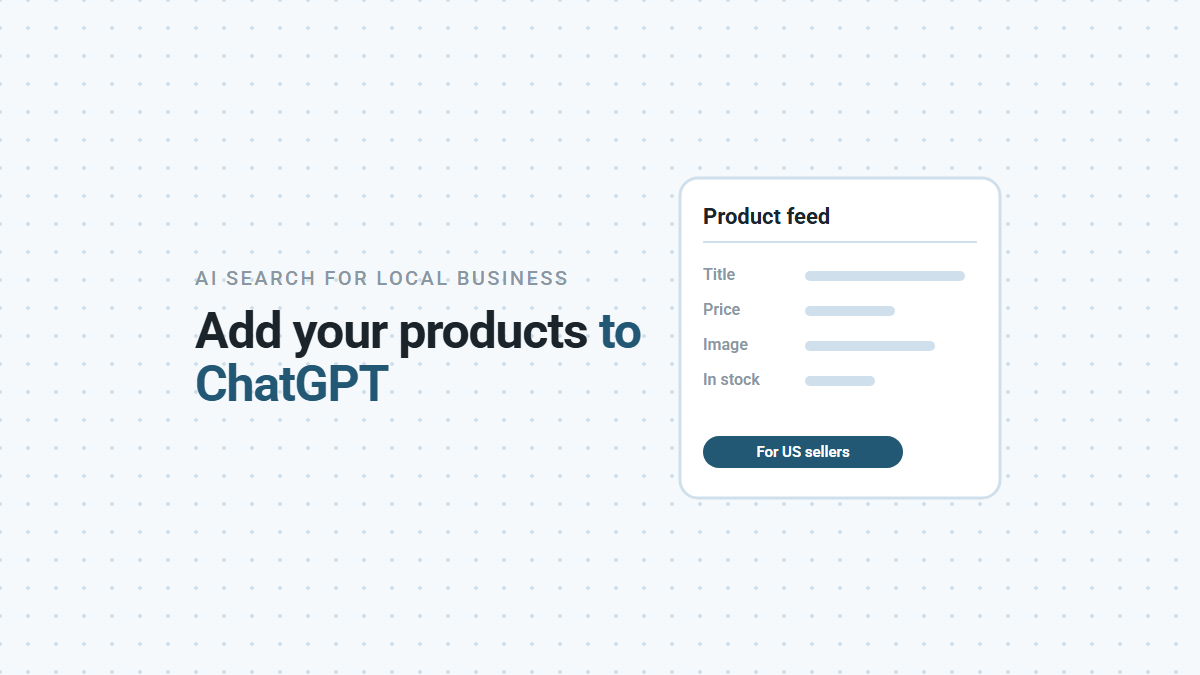

If you sell products online in the US, you can now give ChatGPT a product feed through Business Hub. A product feed is a file that lists what you sell, with a title, price, photo and stock status for each item. Business Hub says it can then show your products “in ChatGPT’s responses when they match what people are looking for”, and in your business’s side panel. If you sell services rather than products, you can skip this. Here’s who it’s for, what you need, and what a feed doesn’t do.
Who Should Upload a Product Feed?
Businesses that sell products from their own product pages, to US customers. Every item in the feed needs a public product page, a price and an image. The standard upload currently targets the US only (OpenAI product feed schema).
A plumber, a salon or an accounting firm doesn’t have a catalog to upload. For them, the work that matters in Business Hub is claiming the listing and keeping its details right.
What Do You Need Before You Start?
A claimed business, a passed identity check and a file in OpenAI’s format. In order:
- Claim your business in Business Hub. If you haven’t yet, our step-by-step guide walks through it.
- Verify your identity. OpenAI’s guide says verifying your identity in Business Hub’s product section is “a requirement to be able to upload your products” (OpenAI guide).
- Choose where you sell. You pick the countries and currencies you sell in.
- Prepare the file. It has to follow OpenAI’s product feed format, described below.
What Goes in the Feed?
One row for each product, or for each version of it, such as each size or color. Nine details are required for every row:
| Field | What it is |
|---|---|
| Item ID | Your own ID for the item. Keep it the same forever, and never reuse it for a different product |
| Title | The product name, including the size or color when that matters |
| Description | A factual description in plain text |
| URL | The product’s page on your website |
| Brand | The brand, as shown on your product page |
| Seller name | Your store’s name |
| Image URL | A direct link to the main product photo |
| Availability | In stock, out of stock, pre-order, backorder or unknown |
| Price | The regular price, written like 79.99 USD |
Each row also needs the country of your store and the countries you sell to. Everything else is optional: a sale price, more photos, size and color details, shipping, your returns policy and review ratings.
OpenAI’s tips worth knowing: use your real brand and store name, not placeholders. Keep titles to about 150 characters. Set availability every time, because a blank one rejects the row (OpenAI product feed schema).
How Do You Upload It?
Three ways, all from the Products section of Business Hub. When we opened Add products, it offered:
- Upload a product data file from your computer.
- Use a hosted URL, a file on your own site that ChatGPT reads, so it can “keep products updated from a file hosted online”.
- Connect with SFTP, a secure file transfer, usually set up by whoever runs your online store.
Each upload replaces the whole catalog rather than adding to it. After it runs, check the upload for errors and fix them. When a price or stock level changes, update the feed. OpenAI says sale dates in the file don’t change prices on their own.
What Doesn’t a Product Feed Do?
It doesn’t promise visibility, take orders or run ads. OpenAI is clear on each point:
- It doesn’t guarantee your products appear. In OpenAI’s words: “Eligibility does not guarantee display.”
- It doesn’t sell for you. The feed “does not update a cart or confirm a purchase”. Buying inside ChatGPT needs a separate checkout setup, which is off by default.
- It doesn’t turn on ads. Ads use the same product data but are a separate setup, also off by default.
- It doesn’t replace your website. “Your live website or plugin still checks the current offer when a customer acts.”
ChatGPT can also find products on retail and public websites without a feed, OpenAI’s guide says. So your product pages need to be clear and accurate either way. Structured data on your site helps with that.
If you sell online and want help deciding whether a ChatGPT product feed is worth setting up for your store, book a demo and we’ll look at it with you.