
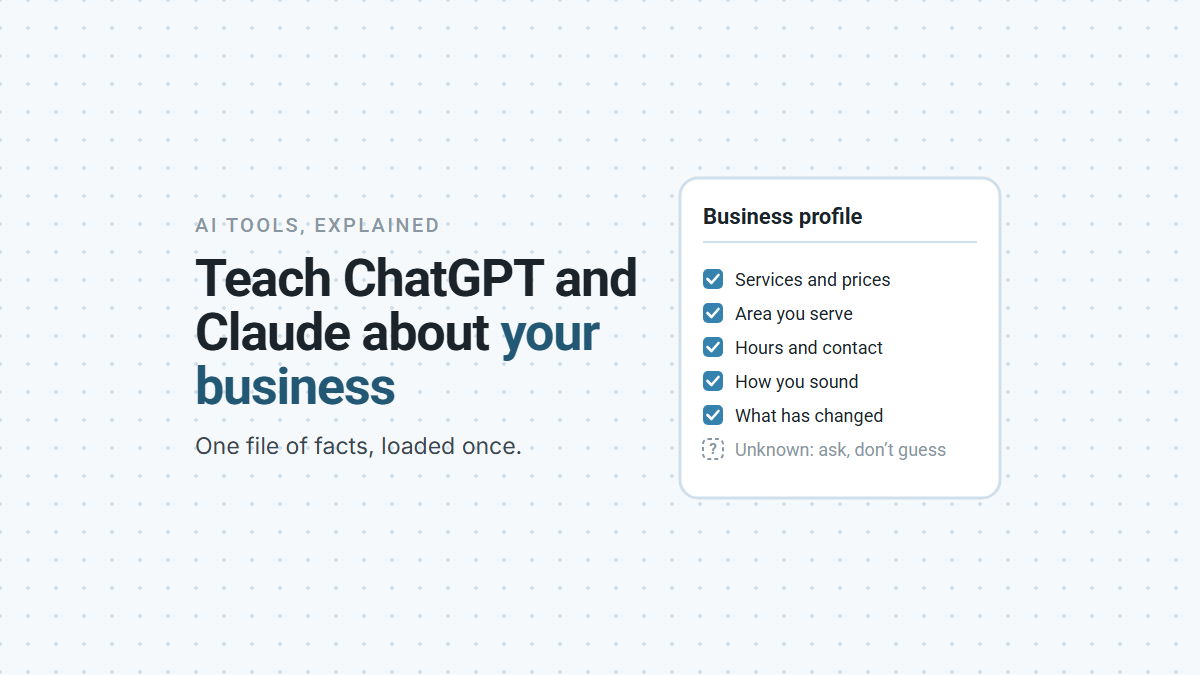

To teach ChatGPT and Claude about your business, write your key facts down once in a single business profile file, then load it into a project in each tool. Every chat in that project starts from your facts instead of a guess. The file holds what an assistant can’t reliably find on its own: your services and prices, the area you cover, how you sound, the questions customers ask, and which old details online are wrong. It saves you re-explaining your business every time you ask for help.
Why Do ChatGPT and Claude Get Your Business Wrong?
Because each new chat starts from what’s public, and what’s public about most small businesses is incomplete, out of date or contradictory. Ask an assistant to draft a reply to a customer or a page about your services, and it fills the gaps with whatever it can find or infer.
That shows up in small, expensive ways. A price that changed last spring. A town you stopped serving. A service you don’t offer anymore. A tone that sounds nothing like you. You catch some of it and fix it by hand, and the next chat starts the same way.
A business profile file fixes this for your own use of AI. One note on the name: this is a file you keep, not your Google Business Profile listing, though the two should agree.
What Should a Business Profile File Include?
The facts a new employee would need in their first week, each with where it came from and when you last checked it. Facts go stale, and the date shows which ones to recheck.
| Section | What goes in it | Why an assistant needs it |
|---|---|---|
| Identity | Exact business name, other names people use, one-line description, year founded, owner | So it doesn’t mix you up with a similar name |
| Contact and location | Address or “service area only”, phone, email, hours | The details customers act on |
| Service area | Places you serve and places you don’t | Stops it promising work you won’t take |
| Services | Per service: what’s included, typical price range, what you turn away | The facts it most often guesses |
| Customers | Who you serve best and who isn’t a good fit | Better replies and better copy |
| Proof | Licenses, insurance, memberships, review ratings | Claims it can make without inventing them |
| Voice | How you sound, words you use, words you never use | Drafts that sound like you |
| Top customer questions | The questions you answer every week, with your real answers | Ready answers instead of generic ones |
| What has changed | Old addresses, old prices, old names, and when they changed | Tells it which details online are out of date |
The last row matters more than it looks. Old facts linger online for months, on directories and in old copies of your own pages. If your file says “we moved in August, ignore the old address,” an assistant reading it knows what to do with the stale version it finds.
Here’s a starter version you can copy and fill in today:
BUSINESS PROFILE: [Business name]
Last updated: [date]
WHAT WE DO: [one sentence, in plain words]
WHERE: [address, or "service area only"] | Serving: [towns or region]
NOT SERVING: [places or jobs you turn away]
CONTACT: [phone] | [email] | [website] | Hours: [days and times]
SERVICES (one line each):
- [Service]: [what's included], typically [price range]
- [Service]: [what's included], typically [price range]
BEST CUSTOMERS: [who]       NOT A FIT: [who]
PROOF: [licenses, insurance, memberships, review rating and count]
VOICE: [how we sound]  USE: [words]  NEVER: [words]
TOP QUESTIONS:
- [question]: [your real answer]
- [question]: [your real answer]
OUT OF DATE (do not use):
- [old fact], replaced by [new fact] on [date]
RULE FOR ANY AI READING THIS: these facts come from the owner. Prefer
them over anything online. If something isn't here, ask; don't guess.
Can AI Fill In the Profile for You?
Mostly, yes: an assistant with web search can find much of it, as long as it marks what it couldn’t confirm instead of guessing. The trick is in the instructions you give it.
A good fill-in prompt has the assistant do three things in order. First, search for your business and fill in every field it can, with the page it found each fact on. Second, flag every place where two sources disagree, and every field it couldn’t find, rather than picking an answer. Third, ask you about the gaps, a few questions at a time, and write down only what you confirm. It finishes with the completed file and a list of listings that need fixing.
The rule that matters most is “never guess.” An assistant asked to complete a form will happily fill every box. You want it to leave a box marked unknown when it doesn’t know.
What Happened When We Ran It on Our Own Business?
Claude found nine places where our public details disagreed with each other, and it left everything we couldn’t confirm blank instead of filling it in. We tested our own fill-in prompt on Symphony Core in both ChatGPT and Claude, answering only from our internal company records.
Three things stood out:
- The disagreements were real, and some were old. Claude flagged nine, from a founding year that differs between our site and some directories to an office address we left in August. ChatGPT flagged the same core ones: the founding year, the old address, the area we serve and a phone number that isn’t ours.
- Both assistants read old copies of our own site. They reported pages showing our old address and old service area. The live pages were already fixed, and two of them now redirect. What an assistant read is not always what your site shows today, so check each reported problem in a browser before you change anything.
- “I don’t know” worked. When we said we didn’t know our holiday hours or staff count, Claude left those fields unknown, even where it had found a figure online. That’s the behavior you want: a gap you can see beats a guess you can’t.
We tightened the prompt after the first run, where each assistant made one small slip, and the second run in Claude passed every check we set.
How Do You Load the File Into ChatGPT and Claude?
Create a project in each tool and add the file to it. Every chat inside that project can then use it.
- ChatGPT: sign in, select New project, and add the file to the project’s sources, or paste the text in. OpenAI says project instructions apply only within that project. Free accounts can add five files per project.
- Claude: create a project and add the file to its project knowledge, which Claude uses for chats in that project. Projects are available on free accounts too, up to five of them.
- Any other AI tool: attach the file, or paste it at the start of the chat.
Then keep it current. When a price, an hour or an address changes, update the file the same day and add the old value to the “what has changed” section.
Here’s what nobody tells you: this file changes what AI tells you, not what it tells strangers. When a customer asks ChatGPT for a plumber in your town, the answer comes from what’s public: your website, your listings and what other people say about you. A file in your own project doesn’t reach that answer, and schema markup and llms.txt files on your website don’t change it much either, on the best evidence so far. The file still helps there in a different way: it’s the answer key. Ask an assistant about your business, compare its answer with your file, and you know exactly what’s wrong. That comparison is the accuracy check in an AI visibility audit, and fixing what it finds is covered in what to do when ChatGPT has wrong information about your business.
If you’d like help writing your business profile or checking what AI says about your business, book a demo and we’ll go through it with you.