
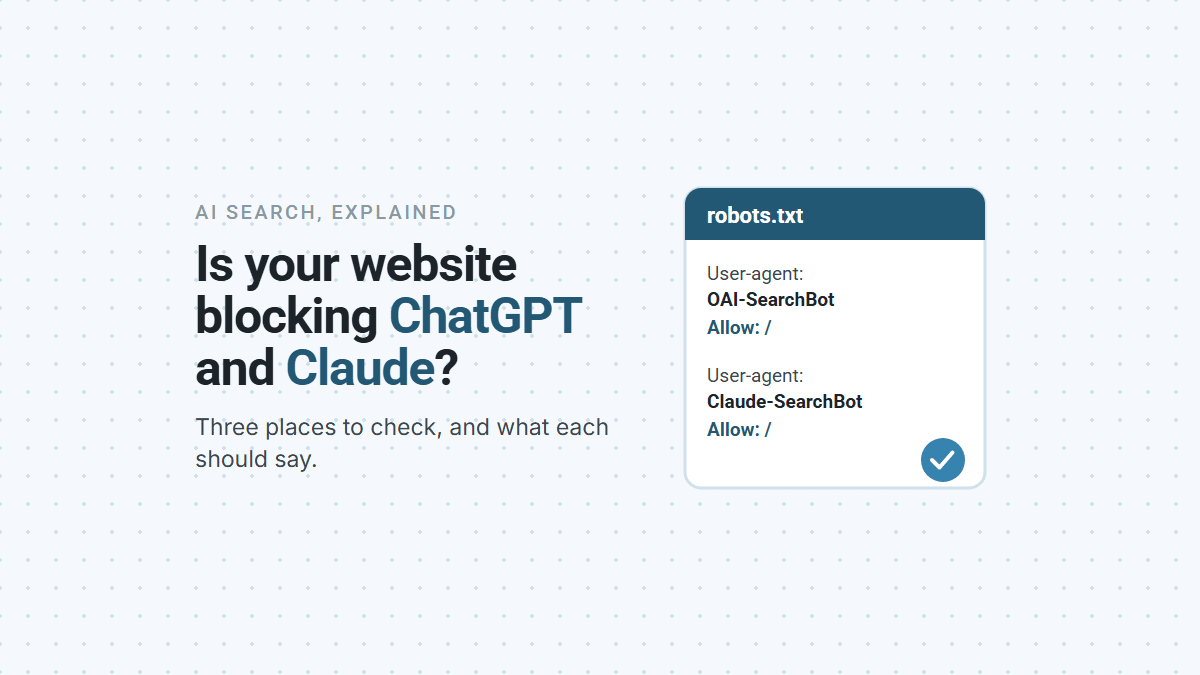

To check whether your website is blocking ChatGPT and Claude, look in three places: your robots.txt file, your Cloudflare settings if you use Cloudflare, and your host’s firewall or security plugin. Any one of them can turn away the crawlers these assistants use to find businesses, often without the owner knowing. OpenAI says a site that blocks its search crawler won’t appear in ChatGPT’s search answers. The first two checks take a few minutes, and you don’t need to be technical. Here’s where to look and what each setting should say.
Which Crawlers Decide Whether ChatGPT and Claude Can Find You?
Each company runs separate crawlers for search, for fetching a page when someone asks, and for training, and only some of them affect whether you can be recommended. Here’s what each one does, according to OpenAI and Anthropic:
| Crawler | Company | What it does | If you block it |
|---|---|---|---|
| OAI-SearchBot | OpenAI | Finds pages for ChatGPT’s search answers | Your site isn’t shown in ChatGPT search answers |
| ChatGPT-User | OpenAI | Fetches a page when someone asks ChatGPT to | OpenAI says robots.txt may not apply, because a person asked. It doesn’t decide search eligibility |
| GPTBot | OpenAI | Collects content that may be used to train its models | Your content stays out of training. Search isn’t affected |
| Claude-SearchBot | Anthropic | Indexes pages to improve Claude’s search results | Your content isn’t indexed for Claude’s search |
| Claude-User | Anthropic | Fetches a page when a Claude user’s question needs it | Claude can’t retrieve your page for that person |
| ClaudeBot | Anthropic | Collects content that may be used for training | Your future content stays out of training |
The two that matter most for being recommended are OAI-SearchBot and Claude-SearchBot. Blocking the training crawlers is a separate choice, and a reasonable one if you don’t want your content used to train models. OpenAI says the settings are independent: you can allow search and refuse training. It also says changes to robots.txt take about 24 hours to reach its systems.
If terms like AEO and GEO are new to you, AEO vs GEO vs SEO explains them in plain words.
How Do You Check Your robots.txt File?
Type your web address followed by /robots.txt into a browser, for example yourbusiness.com/robots.txt, and read what comes back. It’s a short text file that tells crawlers which parts of your site they may visit. Each group starts with a User-agent line naming a crawler, or * for all crawlers, followed by Allow and Disallow lines.
Here’s what to look for:
- A problem: a group that names OAI-SearchBot or Claude-SearchBot and says
Disallow: /. That blocks the whole site for that crawler. - A bigger problem:
User-agent: *followed byDisallow: /. That tells every crawler that follows the rules to stay out, Google included. It’s sometimes left over from when the site was being built. - Usually fine: lines that block only an admin or login area, such as
Disallow: /admin/. Those keep private pages out and don’t affect your public pages. - Also fine: no file at all. Under the robots.txt standard, when the file doesn’t exist, crawlers may visit anything.
One detail is worth knowing. A crawler that’s named in its own group follows that group and ignores the * rules. So a group that names OAI-SearchBot and allows it overrides a blanket block for that crawler only.
If your site runs on WordPress, the file is often managed by an SEO plugin, so ask whoever built the site to change it there rather than by hand.
Could Cloudflare or Your Host Be Blocking Them?
Yes. A firewall can turn crawlers away before they read robots.txt, so the file can look perfect while the door is shut. Nothing on the website itself shows it, so it’s easy to miss.
Cloudflare is a common service that sits in front of websites to speed them up and filter traffic. Since July 2025 it has asked new customers at sign-up whether to allow AI crawlers (Cloudflare). Since July 2026 every plan, including Free, has three separate controls (Cloudflare):
- Search: crawlers that index your site to answer questions later. Leave this not blocked.
- Agent: fetches made in real time on a person’s behalf, such as someone asking an assistant about your business. Leave this not blocked. For domains added since September 15, 2026, Cloudflare blocks Agent and Training by default on pages that display ads. Most service business sites don’t show ads, so this rarely applies.
- Training: crawlers that collect content to train models. Your choice, but read the next paragraph first.
If you want to refuse training, pick Disallow AI Training, not Block. Cloudflare says Block “will stop Applebot, Bingbot, and Googlebot from reaching your site” (Cloudflare), which takes you out of ordinary search too. That matters for ChatGPT as well, since OpenAI lists Microsoft among its search providers. The setting lives in Cloudflare under your domain’s Security settings.
Your host and your plugins can block crawlers too. Some hosting firewalls and website security plugins turn away bots they don’t recognize. Ask your host or developer to confirm they don’t block the crawler addresses OpenAI and Anthropic publish (OpenAI’s are at openai.com/searchbot.json, Anthropic’s at claude.com/crawling/bots.json). OpenAI recommends allowing its search addresses. If they keep server logs, ask them to search for OAI-SearchBot and Claude-SearchBot: a 403 response means the crawler was turned away.
What Should Your robots.txt Say?
Allow the two search crawlers by name, and decide separately whether to refuse training. Here’s an entry your developer can add to the file. Keep your existing lines, including the sitemap line:
# Let AI search crawlers find the site
User-agent: OAI-SearchBot
Allow: /
User-agent: Claude-SearchBot
Allow: /
# Optional: keep content out of AI model training
User-agent: GPTBot
Disallow: /
User-agent: ClaudeBot
Disallow: /
Then run this check now, and again after any website, hosting or security change:
AI CRAWLER CHECK
[ ] Open yourdomain.com/robots.txt
[ ] No "Disallow: /" under OAI-SearchBot, Claude-SearchBot
    or "User-agent: *"
[ ] Cloudflare (if used): Search not blocked, Agent not blocked
[ ] Cloudflare Training: "Disallow AI Training", not "Block"
[ ] Host or developer confirms the firewall and security plugins
    don't block OpenAI's or Anthropic's published crawler addresses
[ ] After any change, wait a day before checking ChatGPT again
Here’s the catch: unblocking the crawlers doesn’t get you recommended. It only lets the assistants read your site. What earns the recommendation is everything else: listings that agree with each other, reviews that describe your work, and other websites that mention you. How to get your business recommended by ChatGPT and Claude covers that part. But if the crawlers can’t get in, none of it reaches them, which is why this check comes first.
If you’re not sure what your site is set to, book a demo and we’ll look at it with you.